




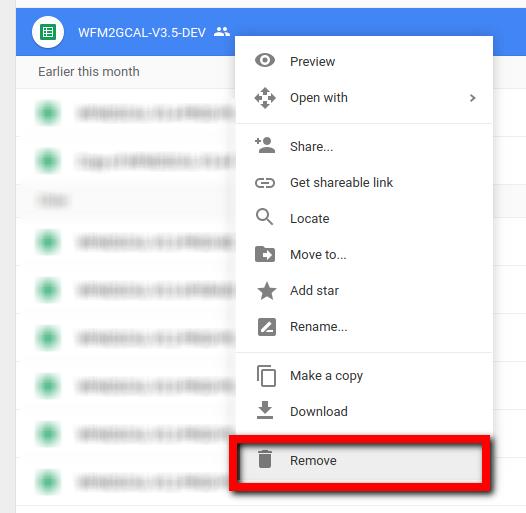
Find your sheet in Google Drive
Then right click the file and select and Remove
Go to My Account in your Apps draw:

Under Sign-in and Security select Connected Apps and Sites

Click Manage Apps

Find all the versions of WFM2GCAL sheets (copy of WFM2GCAL... etc) and select, then click REMOVE

Click OK to confirm

all done.