
You might also enjoy...

contact us
for more info
Just fill in the form and we'll get back to you pronto!
Thank you! Your submission has been received!
Oops! Please try again.




# How to Choose the Right PC Hardware in 2026: A Data-Driven Guide for Enthusiasts
Picking PC components used to mean reading a dozen reviews, watching hours of YouTube benchmarks, and still second-guessing yourself at checkout. The hardware landscape in 2026 is more competitive than ever. NVIDIA's Blackwell architecture is battling AMD's RDNA 4 lineup, Intel's Arrow Lake and Panther Lake processors are fighting AMD's Zen 5 Ryzen chips, and new entrants like Qualcomm are shaking up the laptop space. With so many options, how do you actually make a smart buying decision without drowning in spec sheets?
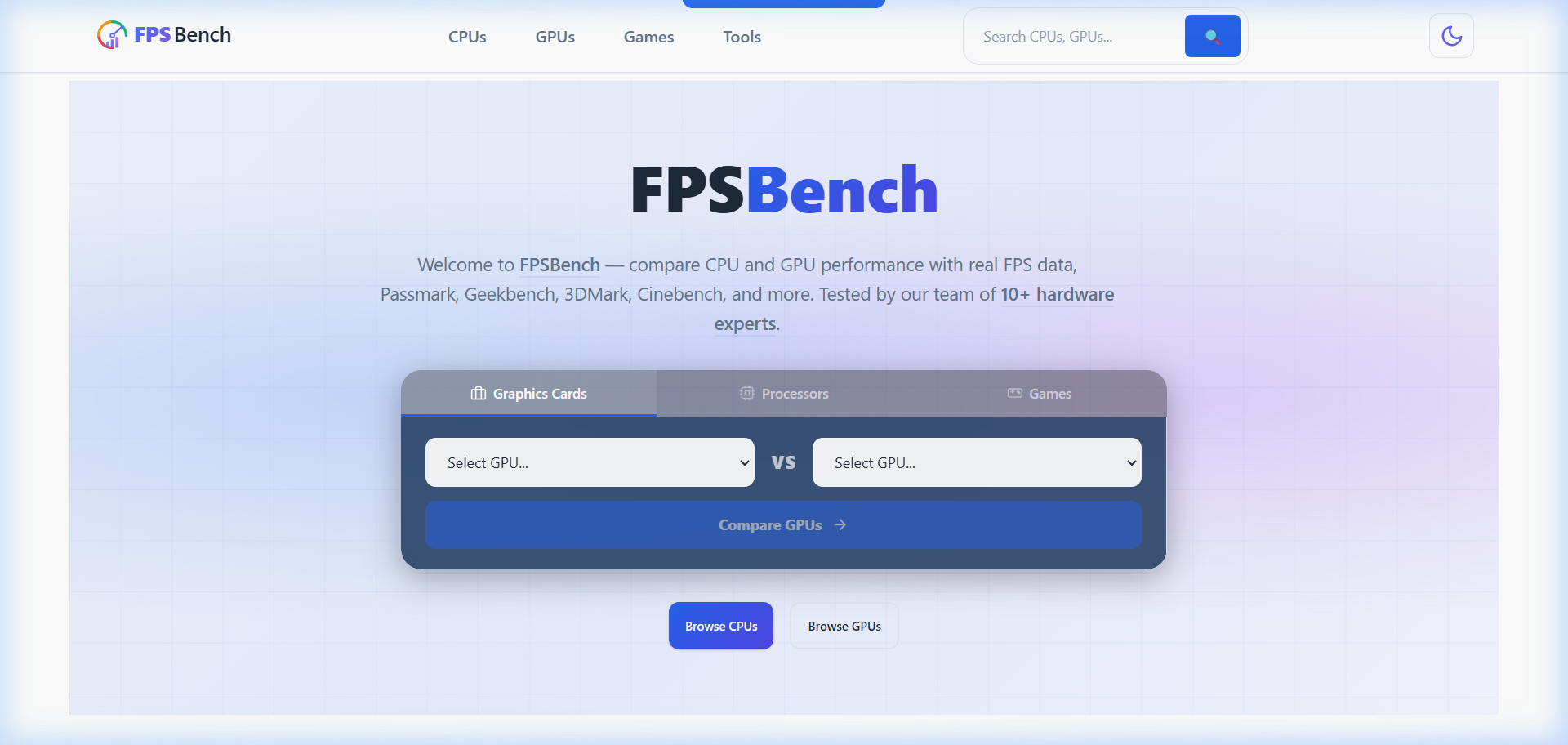
The answer is simpler than you think: use real-world performance data instead of marketing numbers. Tools like FPS Bench exist specifically to cut through the noise and give hardware enthusiasts the numbers that actually matter.
We have all seen the classic benchmark scores. Cinebench, 3DMark, Geekbench, they are useful for comparing raw computational throughput, but they rarely reflect what you will experience in actual games or workloads. A processor that dominates in Cinebench R23 multi-thread might still stutter in poorly optimized titles. A GPU with a sky-high Time Spy score might disappoint you at 4K with ray tracing enabled in the games you actually play.
This is where FPS data becomes invaluable. Frames per second in real games, at real resolutions, with real hardware combinations, that is the metric that matters when you are spending your hard-earned money. Knowing that a specific CPU and GPU pairing delivers 95 FPS in Cyberpunk 2077 at 1440p Ultra is infinitely more useful than knowing it scored 15,000 in a synthetic test.
The challenge has always been finding this data in one place, organized in a way that is actually useful. Most review sites test a handful of configurations and call it a day. What if you want to know how a mid-range CPU pairs with a high-end GPU? Or how a two-generation-old processor holds up in the latest titles? That is where comprehensive hardware databases shine.
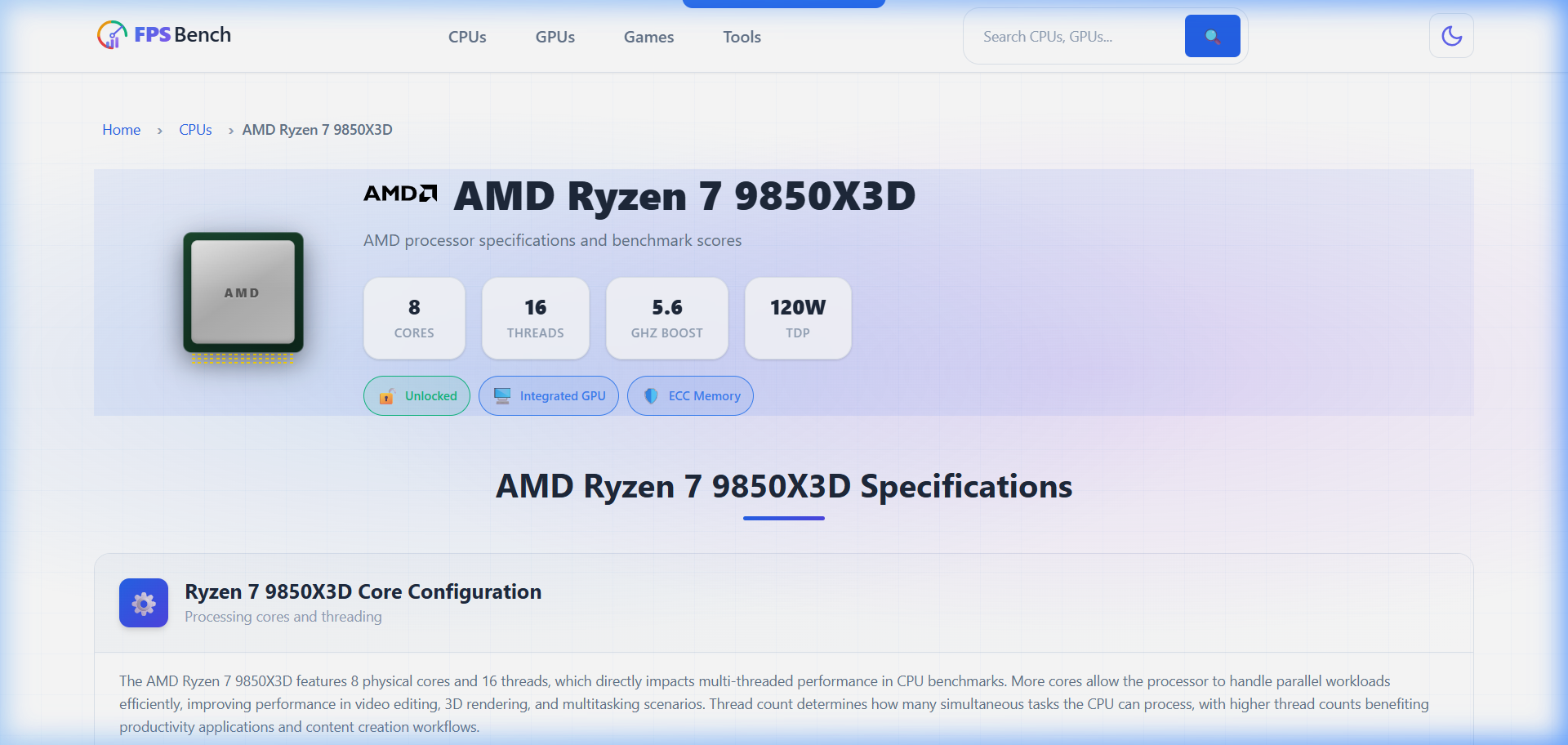
The processor market has never been this interesting. AMD's Ryzen 9000 series brought meaningful IPC gains with Zen 5, and chips like the Ryzen 7 9850X3D with its 3D V-Cache technology continue to dominate gaming workloads. Intel responded with Arrow Lake and is now rolling out Panther Lake for mobile, featuring integrated Xe3 graphics that are genuinely competitive for light gaming.
For enthusiasts building a new rig, the decision tree looks something like this:
Gaming-first builds: The sweet spot remains in the mid-to-high range. AMD's Ryzen 7 series with 3D V-Cache offers the best frame rates per dollar in most titles. Intel's Core Ultra 200 series competes well in productivity-heavy mixed workloads.
Content creation and streaming: Thread count matters here. AMD's Threadripper 9000 series is the undisputed king for heavy multi-threaded work, but the mainstream Ryzen 9 chips handle streaming and gaming simultaneously without breaking a sweat.
Budget builds: Both Ryzen 5 9500F by AMD and Intel's Core 5 120 deliver remarkable performance for their price points. The days of needing to spend big for smooth 1080p gaming are long gone.
If you want to see exactly how these processors stack up against each other with real benchmark data, you can check now the full processor database. It covers everything from the latest desktop chips to laptop and workstation processors, complete with detailed specifications and performance scores.
Graphics cards are where most of your gaming budget should go, and 2026 gives you plenty to choose from. NVIDIA's RTX 50-series Blackwell cards have landed across the entire stack, from the RTX 5050 all the way up to the monstrous RTX 5090. AMD's Radeon RX 9000 series is fighting back on price-to-performance, and Intel's Arc B-series is carving out a niche in the budget and mid-range segments.
Here is what matters at each price tier:
Entry level (under $250): AMD's Radeon RX 7400 and the upcoming RX 9060 are targeting this bracket. Intel's Arc B-series also competes here with surprisingly capable ray tracing for the price. At 1080p, these cards handle most modern titles at medium-to-high settings comfortably.
Mid-range ($250–$500): This is the battleground. The RTX 5060 and RX 9060 XT are fighting for every frame. DLSS 4 with Multi Frame Generation gives NVIDIA an edge in supported titles, but AMD's cards often offer more raw rasterization performance per dollar.
High-end ($500–$1000): The RTX 5070 Super and RTX 5070 Ti Super live here, and they are genuinely impressive. AMD's RX 9070 XT competes well in rasterization but falls behind in ray tracing workloads.
Flagship ($1000+): The RTX 5080 Super and RTX 5090 are for enthusiasts who want no compromises at 4K with full ray tracing. These cards are overkill for most people, but if you are running a high-refresh 4K monitor, they deliver.
Browsing the complete GPU lineup with specs, benchmarks, and comparisons is easy, just visit the graphics card section to explore every desktop, laptop, workstation, and professional GPU on the market.
Specs and synthetic benchmarks give you a rough idea, but nothing beats knowing the actual FPS you will get in the games you play. This is especially true because game performance varies wildly depending on the engine, optimization level, and how well a title utilizes specific hardware features.
Take ray tracing as an example. A game built on Unreal Engine 5 with Lumen will perform very differently from a title using custom ray tracing implementations. DLSS, FSR, and XeSS upscaling technologies add another variable. The only way to know what to expect is to look at measured FPS data for your specific hardware combination in your specific games.
This is exactly what the games database provides. You can browse through titles, see what hardware combinations have been tested, and get real FPS numbers at different resolutions and quality settings. It takes the guesswork out of the equation entirely.
One of the most common mistakes enthusiasts make is mismatching their CPU and GPU. Pair a flagship RTX 5090 with a budget Ryzen 5 and you will leave performance on the table due to CPU bottlenecks. Conversely, dropping a Ryzen 9 9950X into a build with an entry-level GPU is wasting money on processing power your graphics card cannot leverage.
The key is balance. As a general rule:
Rather than guessing whether your components are well-matched, you can try it with a tool that rates your specific CPU and GPU combination. It analyzes your pairing and tells you exactly where you stand, whether your build is balanced, CPU-bottlenecked, or GPU-bottlenecked. It is one of the fastest ways to validate a build before you buy.
Every PC gamer has been there. A new title drops, the system requirements are listed on the store page, and you are left wondering whether your rig can handle it. The minimum specs listed by developers are often vague and unhelpful. "Requires GTX 1060 or equivalent" tells you almost nothing about what FPS you will actually get.
A smarter approach is checking real performance data for your exact hardware. Instead of relying on developer-listed minimums, you can see actual measured frame rates from your CPU and GPU combination in that specific game. The Can I Run It tool does exactly this, plug in your hardware and a game, and get real FPS estimates based on actual benchmark data rather than vague minimum requirements.
And if you are approaching it from the other direction, you know your hardware and want to see which games will run well on it, there is a tool for that too. Check now which titles your current setup can handle, sorted by expected performance. It is particularly useful when you are browsing a Steam sale and want to know which games are worth buying for your specific rig.
Raw performance is one thing, but value is what most enthusiasts actually care about. The fastest GPU on the market is irrelevant if it costs three times more than a card that delivers 90% of the performance. This is where performance-per-dollar rankings become essential.
When evaluating CPUs, you want to look at both absolute performance and price-performance ratios. A chip that tops every benchmark but costs $700 might be a worse buy than one that scores 15% lower for half the price. The same logic applies to GPUs, especially in the mid-range where competition is fiercest and the value differences between cards can be significant.
For a clear picture of where every processor ranks, visit the CPU performance rankings. They aggregate benchmark scores across multiple tests to give you a single, comparable performance metric for every chip in the database. You can sort, filter, and find exactly where your current or planned CPU sits in the hierarchy.
The same exists for graphics cards. The GPU rankings page lets you see every GPU ranked by performance, making it trivial to compare across generations and manufacturers. Wondering how your three-year-old RTX 3060 compares to the new RX 9060 XT? The rankings show you instantly.
But rankings alone do not tell the full story. That is why price-performance analysis matters. You can check now CPU price-performance ratios to find the processors that deliver the most benchmark performance per dollar spent. Similarly, the GPU price-performance rankings reveal which graphics cards offer the best bang for your buck, and the results might surprise you. The most expensive card is rarely the best value.
Every hardware forum is full of "X vs Y" threads. RTX 5070 vs RX 9070 XT. Ryzen 7 9850X3D vs Core Ultra 9 285K. These debates rage endlessly because people are comparing different benchmarks from different reviews under different conditions.
The solution is standardized head-to-head comparisons using the same benchmark suite and methodology. When you compare two GPUs or two CPUs side by side with identical test conditions, the results speak for themselves. No reviewer bias, no cherry-picked games, no asterisks.
You can run these comparisons yourself, here is where you pit any two CPUs or GPUs against each other. Pick your contenders, and get a detailed breakdown of how they compare across every benchmark in the database. It is the fastest way to settle any hardware debate with actual data instead of opinions.
After looking at all the data, here are some practical takeaways for enthusiasts building or upgrading in 2026:
Best gaming value: AMD's Ryzen 7 9850X3D paired with an RTX 5070 Super or RX 9070 XT. This combination handles 1440p gaming at high refresh rates in virtually every title and does not break the bank.
Best budget build: A Ryzen 5 9500F or Intel Core 5 120 with an RX 9060 XT or RTX 5060. Smooth 1080p gaming in everything, and capable 1440p in most titles with some settings adjustments.
Best no-compromise build: Ryzen 9 9950X or Core Ultra 9 285K with an RTX 5090. This is for 4K high-refresh gaming with ray tracing maxed out. Expensive, but nothing will hold you back.
Best laptop pick: Look for systems with AMD Ryzen AI Max+ processors or Intel Core Ultra 9 386H paired with RTX 5080 Mobile or RTX 5070 Mobile GPUs. Mobile performance has gotten remarkably close to desktop in this generation.
The key takeaway is this: stop relying on spec sheets and marketing materials to make hardware decisions. Use real performance data, compare specific hardware combinations in the games you actually play, and validate your build before you buy. The tools and data exist, FPS Bench puts all of it in one place, free and accessible. Whether you are building your first PC or your fifteenth, making data-driven decisions means fewer regrets and better performance per dollar.
Hardware enthusiasm has always been about chasing the best experience. In 2026, the best experience comes from the best information. Use it.
We can email you with our latest content, we won't bug you and we only send emails about once a month.